Easy Tech Tuts
How to Get a Business Email Godaddy, Get Professional Gmail with your Domain 2025 Easily
By Impran M N
A branded email address like yourname@yourdomain.com builds trust for freelancers, startups, and small businesses in a way a generic email address can't. This guide covers purchasing an email plan through GoDaddy, connecting it to Gmail via Google Workspace, and getting the MX records configured correctly.
01Purchase or access an email plan
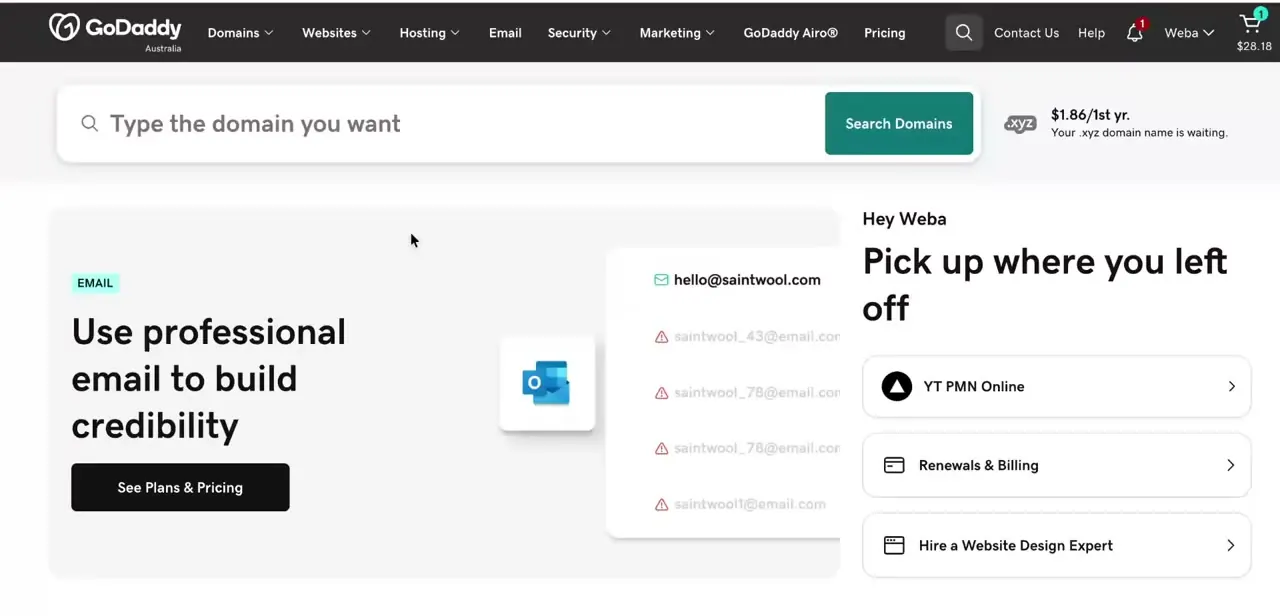
Choose an email plan from GoDaddy, whether that's a basic email forwarding option or full Google Workspace integration.
02Set up email forwarding or Google Workspace
Decide between simple forwarding to an existing inbox or a full Gmail-based business email through Google Workspace.
03Verify your domain with Google
Complete Google's domain verification process, which confirms you own the domain before Workspace can be fully activated.
04Configure MX records in GoDaddy DNS
Update the MX records in your GoDaddy DNS settings so email routes correctly to your new Google Workspace inbox.
05Access your new business Gmail
Once configured, log in to your professional Gmail account tied to your domain to start sending and receiving branded email.
Frequently asked questions
Do I need Google Workspace for a business email, or can I just forward it?
Both are options — forwarding is simpler but limited, while Google Workspace gives you a full Gmail-based inbox tied to your domain.
Why do I need to verify my domain with Google?
Verification proves you own the domain, which is required before Google will activate Workspace email for that address.
What are MX records for?
MX records tell the internet where to route incoming email for your domain, which is essential for your business email to actually receive messages.
Can I use my business email on my phone?
Yes, once set up through Google Workspace, you can access your business Gmail account on mobile just like any other Gmail account.
Watch the full walkthrough
The same steps, demonstrated on screen from start to finish.