Easy Tech Tuts
How to Connect Godaddy Domain to Namecheap Hosting on Easywp for Free Easily 2026
By Impran M N
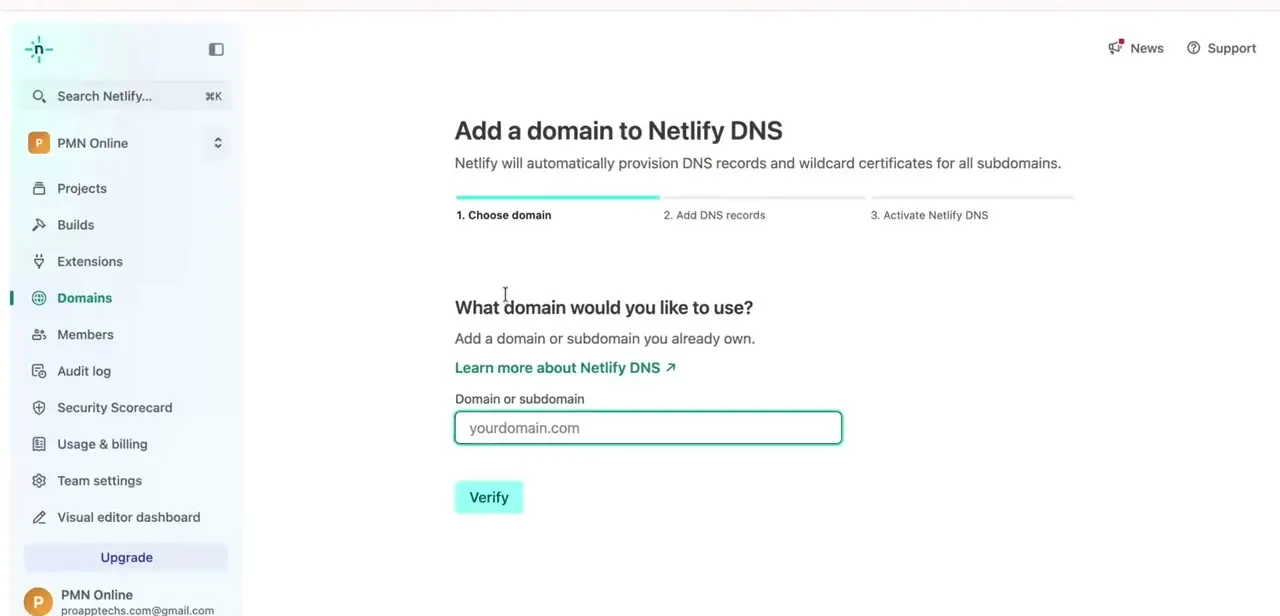
You don't need to transfer a domain away from GoDaddy just to host it on Namecheap's EasyWP platform — you can connect the two for free by updating DNS records. This guide covers logging into GoDaddy, finding your domain's DNS settings, and pointing them to EasyWP.
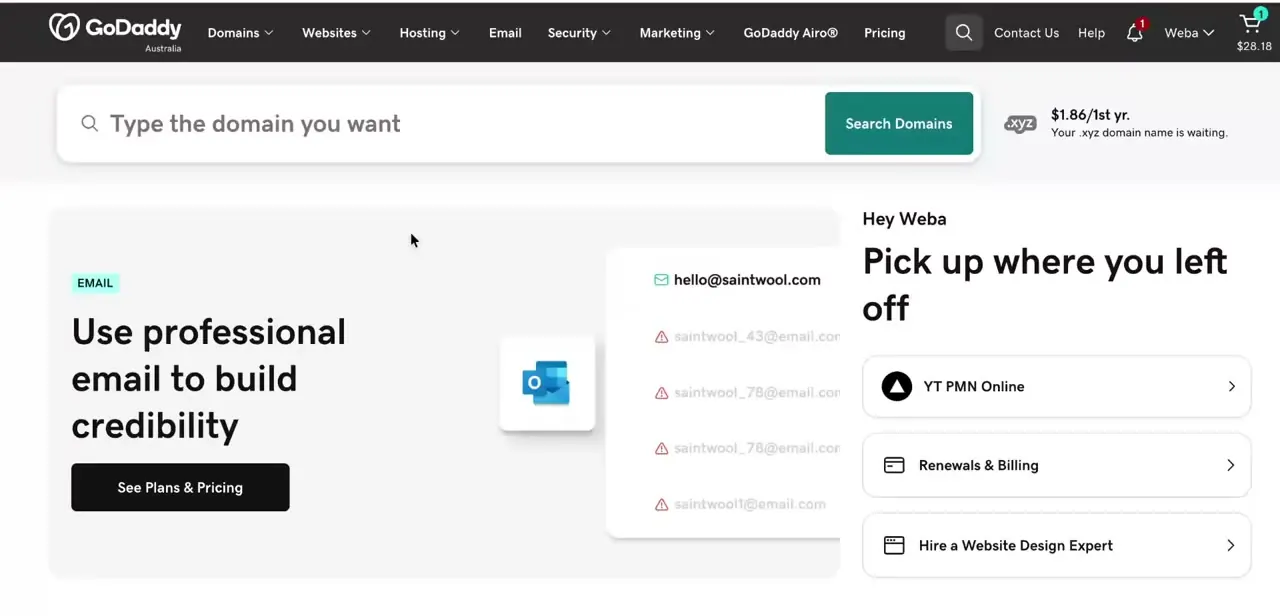
01Log in to your GoDaddy account
Access your GoDaddy account and locate the domain you want to connect to EasyWP hosting.
02Find your domain's DNS settings
Open the DNS management page for your domain, where you'll be replacing existing records with the ones EasyWP requires.
03Get the DNS records from EasyWP
In your Namecheap EasyWP dashboard, find the specific A record and any other DNS values needed to point your domain to the hosting.
04Update the records in GoDaddy
Replace the default GoDaddy DNS records with the EasyWP values so your domain resolves to your new hosting.
05Verify the connection goes live
After propagation, check that your domain now loads the site hosted on EasyWP rather than any previous GoDaddy page.
Frequently asked questions
Do I need to transfer my domain from GoDaddy to connect it to EasyWP?
No, you can keep the domain registered at GoDaddy and simply point its DNS records to Namecheap's EasyWP hosting.
Is this connection method really free?
Yes, updating DNS records to point your existing domain to EasyWP doesn't require an additional purchase or transfer fee.
How long before my site is live on the new hosting?
It depends on DNS propagation, which can take anywhere from a few minutes to a day depending on your domain and location.
Will my email still work after changing DNS?
It depends on whether your email uses records tied to the same domain, so check MX records before making changes to avoid disruption.
Watch the full walkthrough
The same steps, demonstrated on screen from start to finish.