Easy Tech Tuts
How to use Localwp, Localwp Full Tutorial 2026, Install WordPress Site like localhost & Plugin
By Impran M N
LocalWP lets you spin up a full WordPress website on your own computer with a single click, no hosting or domain required. This guide covers installing LocalWP, creating a local WordPress site, and setting up themes, plugins, and Elementor for testing. It's aimed at beginners who want a safe place to practice WordPress or test plugins before going live.
01Download and install LocalWP
Get LocalWP for Windows or Mac and complete the installation before creating your first site.
02Create a WordPress site locally
Use LocalWP's site creation wizard to spin up a working WordPress installation on your computer in seconds.
03Install themes and plugins
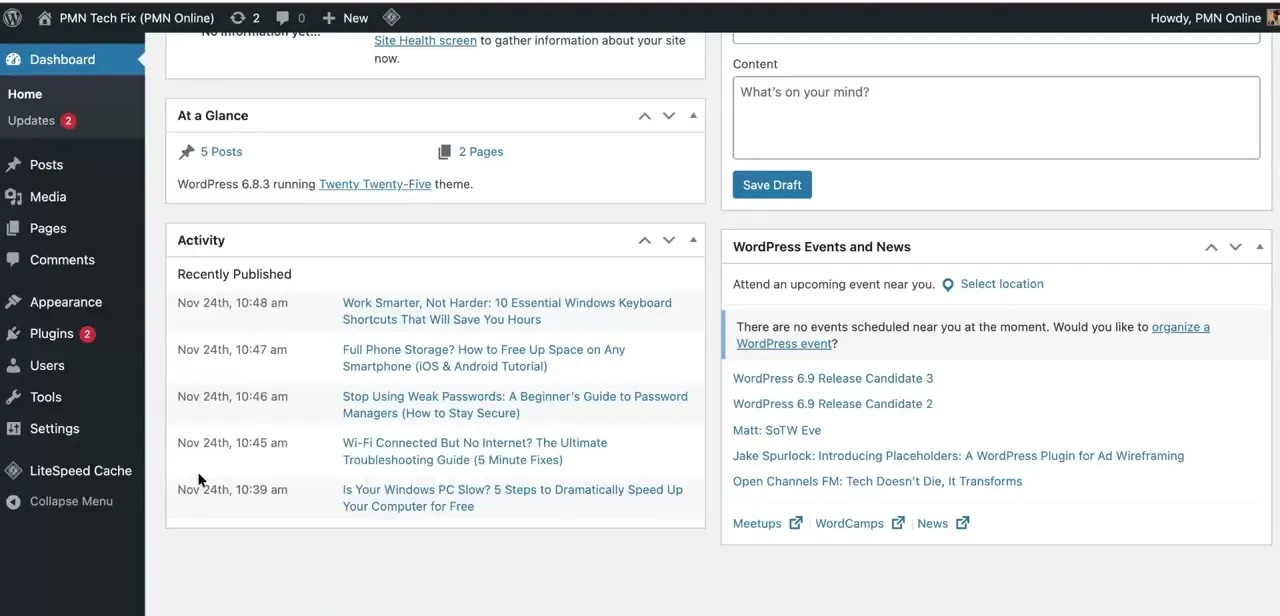
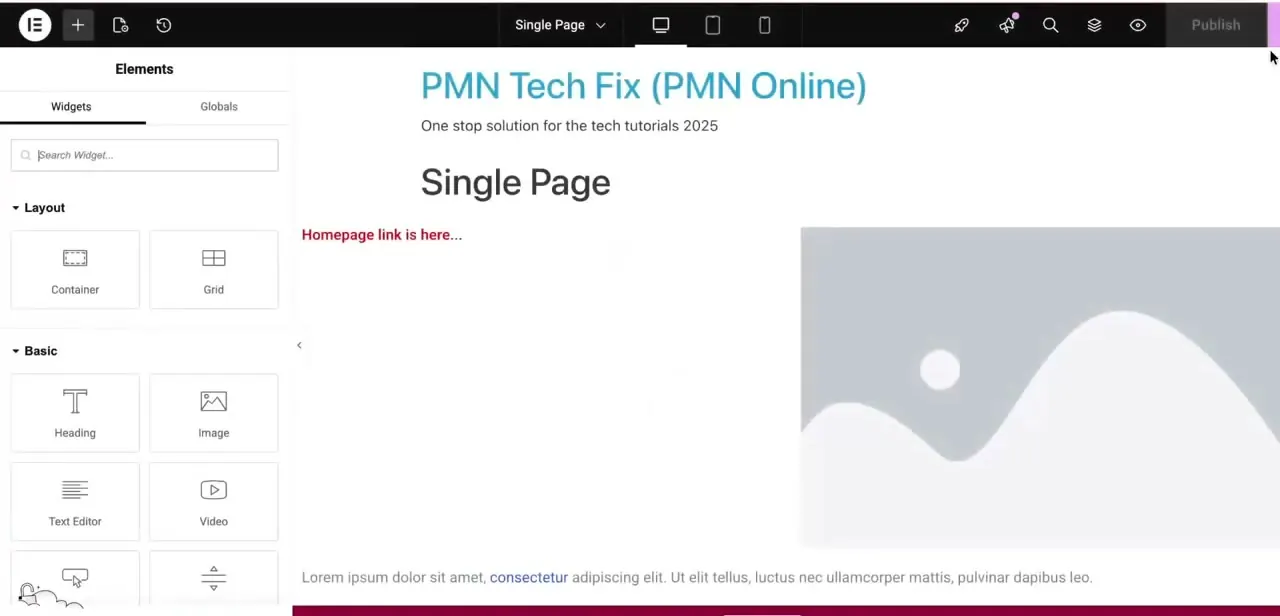
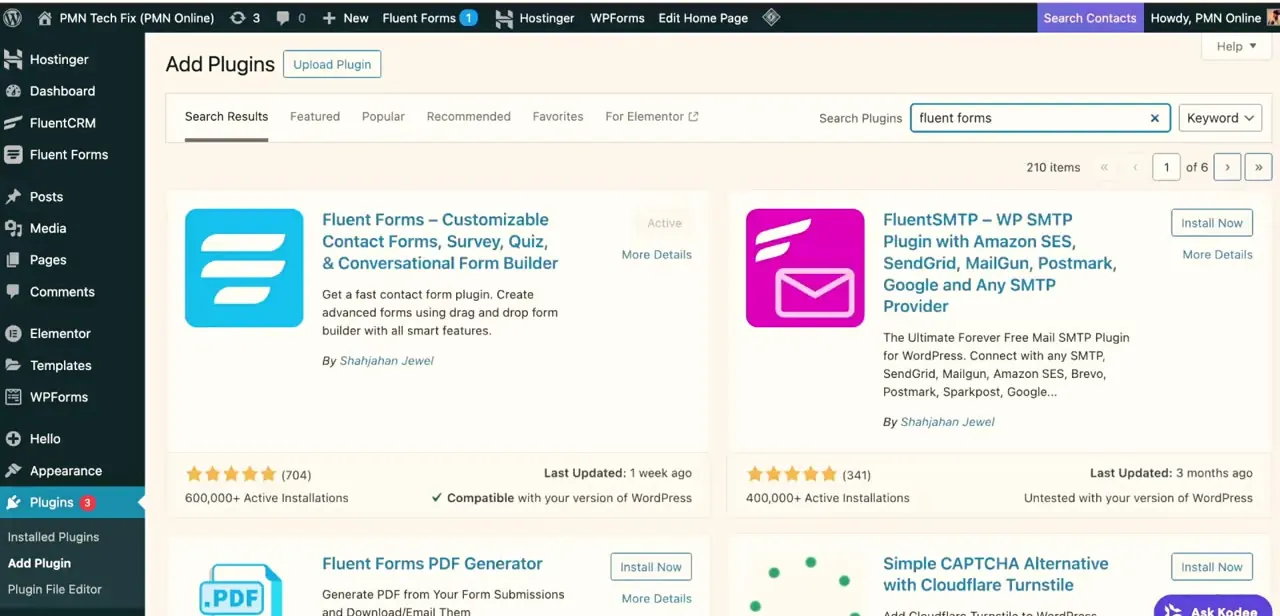
Log in to your local WordPress dashboard and install themes, plugins, or page builders like Elementor just as you would on a live site.
04Use database and SSL tools
Access LocalWP's built-in database tools and enable SSL to test your site under conditions closer to a real hosting environment.
05Fix common issues and export for hosting
Troubleshoot problems like the site not loading, then export your finished local site when you're ready to move it to real hosting.
Frequently asked questions
Is LocalWP free to use?
Yes, LocalWP is free and designed to let anyone build and test WordPress sites on their own computer without hosting costs.
Can I move a site built in LocalWP to a live host later?
Yes, LocalWP includes an export feature specifically for pushing your locally built site to a hosting provider when it's ready.
Why isn't my LocalWP site loading?
This is often related to a local server conflict or a site that hasn't fully started, so restarting the site or checking LocalWP's logs usually resolves it.
Does LocalWP work with Elementor and other page builders?
Yes, you can install Elementor and other plugins on a LocalWP site the same way you would on any WordPress installation.
Watch the full walkthrough
The same steps, demonstrated on screen from start to finish.