Easy Tech Tuts
How to install localwp, How to Setup Localwp on Mac, Windows, Ubuntu, Linux, Create New WP Site 2026
By Impran M N
LocalWP makes it possible to build a full WordPress site on your own computer without needing hosting or a domain, and the setup process is similar across operating systems. This guide covers installing LocalWP on Mac, Windows, Ubuntu, and Linux, and creating your first local WordPress site.
01Download LocalWP for your operating system
Download the correct LocalWP installer for Mac, Windows, Ubuntu, or Linux from the official site and run the installation.
02Complete the installation setup
Follow the installer prompts, which are largely consistent across operating systems, to finish setting up LocalWP on your machine.
03Create a new WordPress site
Inside LocalWP, use the create new site option to spin up a fresh WordPress installation with just a few clicks.
04Install themes and plugins locally
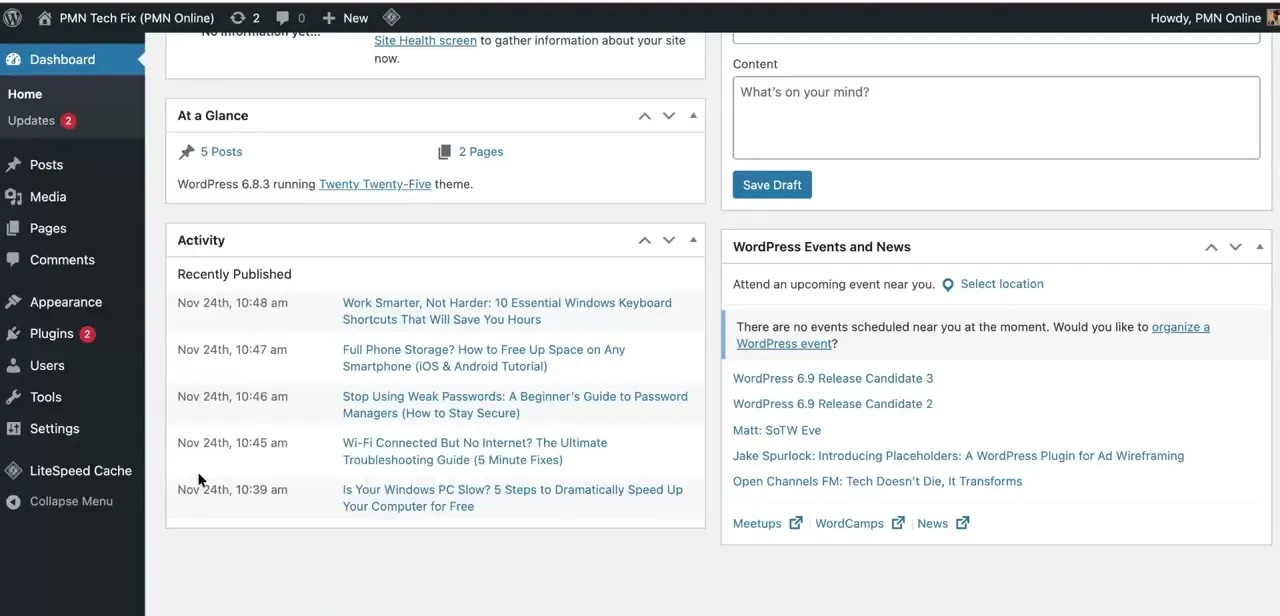
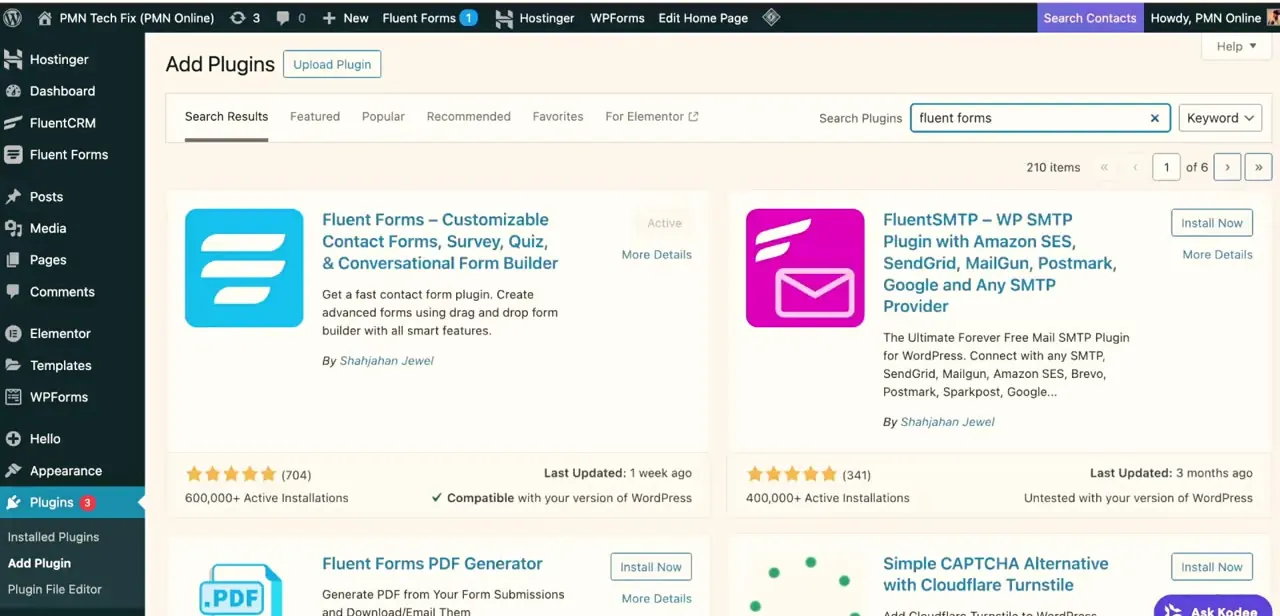
Once your site is running, log into the local WordPress admin to install and test themes and plugins just as you would on a live site.
05Manage SSL and database tools
LocalWP includes built-in tools for managing SSL certificates and the site's database, useful for local development and testing.
Frequently asked questions
Is LocalWP free to use?
Yes, LocalWP is a free tool for building and testing WordPress sites locally on your computer.
Does LocalWP work the same on Mac and Windows?
The core setup process is very similar across Mac, Windows, and Linux, with only minor platform-specific installation steps.
Can I install Elementor or other plugins in LocalWP?
Yes, once your local WordPress site is running, you can install any theme or plugin exactly as you would on a live site.
Do I need internet access to use LocalWP?
Once installed, you can run and edit your local WordPress site offline, though installing new plugins or themes from the repository requires an internet connection.
Watch the full walkthrough
The same steps, demonstrated on screen from start to finish.