Easy Tech Tuts
How to Create Project Schedule In Smartsheet Easily 2026
By Impran M N
A solid project schedule needs more than a list of dates, it needs a hierarchy of tasks and dependencies that adjust automatically when something shifts. This guide covers starting a new sheet from Smartsheet's home screen, using the built-in Project Schedule Management template instead of building columns from scratch, and then layering on the hierarchy, predecessors, and Gantt view that turn a flat task list into an actual schedule.
01Start from your Smartsheet home screen
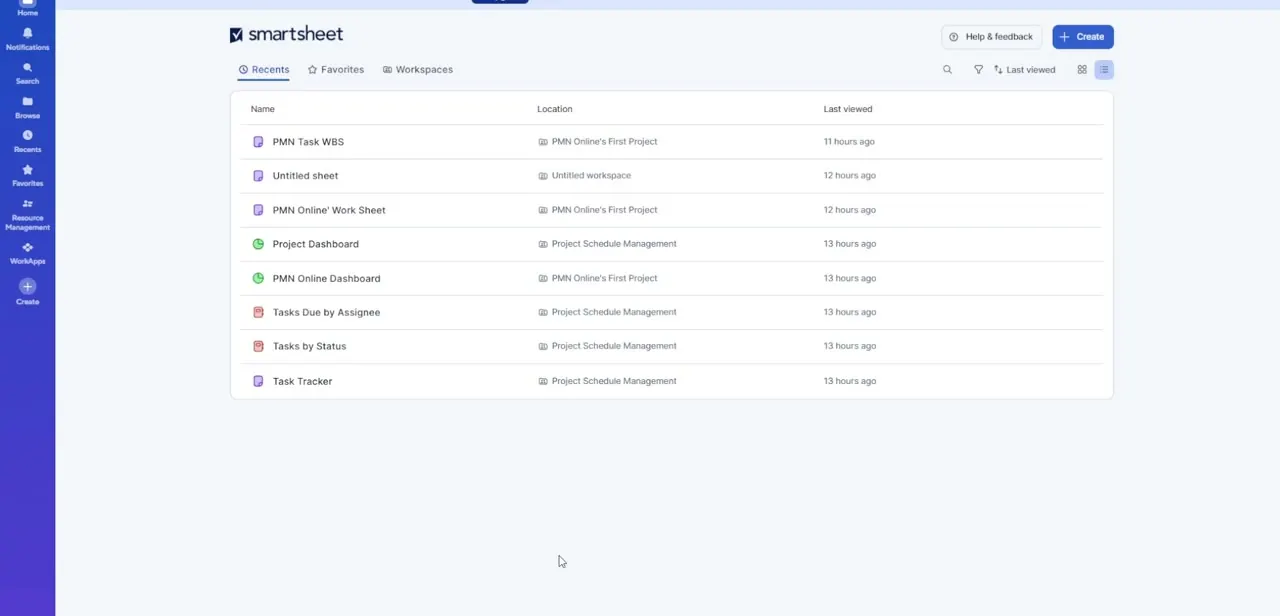
Log in and land on the Recents tab, which lists the sheets, reports, and dashboards you've touched most recently along with their location in your workspace. If you're setting up a new project, this is also where the Create button in the top right lives, which is the fastest route into a fresh schedule rather than digging through folders for an old one.
02Open the Create menu
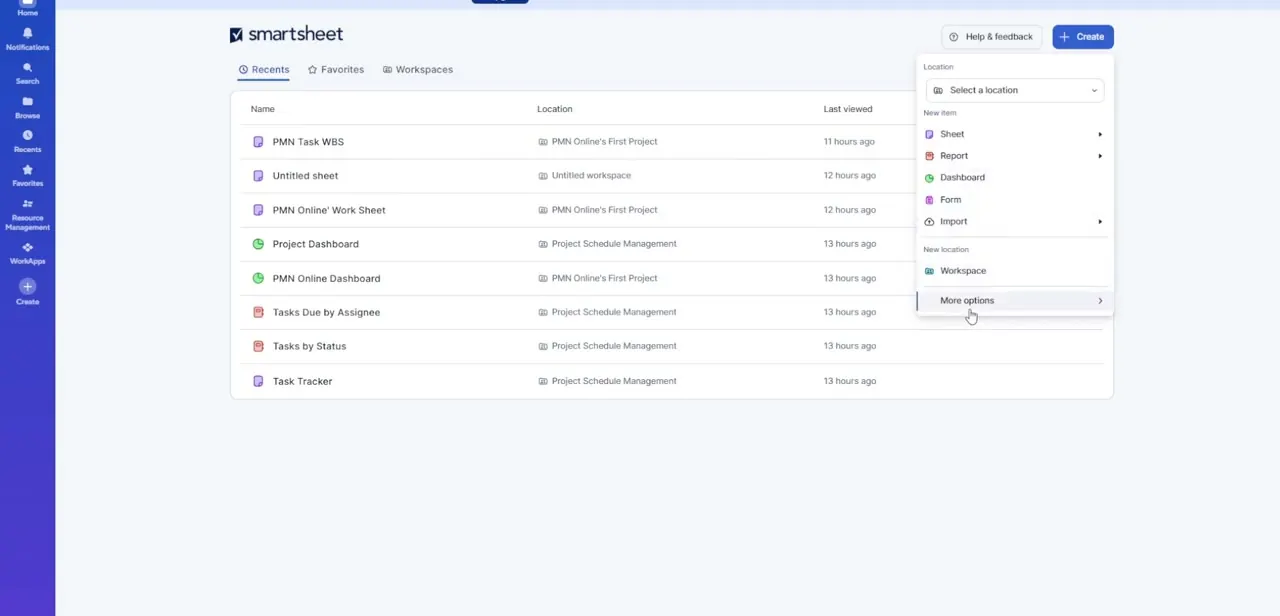
Click Create and a dropdown opens with every item type you can start: Sheet, Report, Dashboard, Form, or Import, plus a Workspace option if you're organizing a brand-new project from the ground up. Each of the item types with an arrow expands into sub-options, including starting a sheet blank or from a template.
03Use the Project Schedule Management template
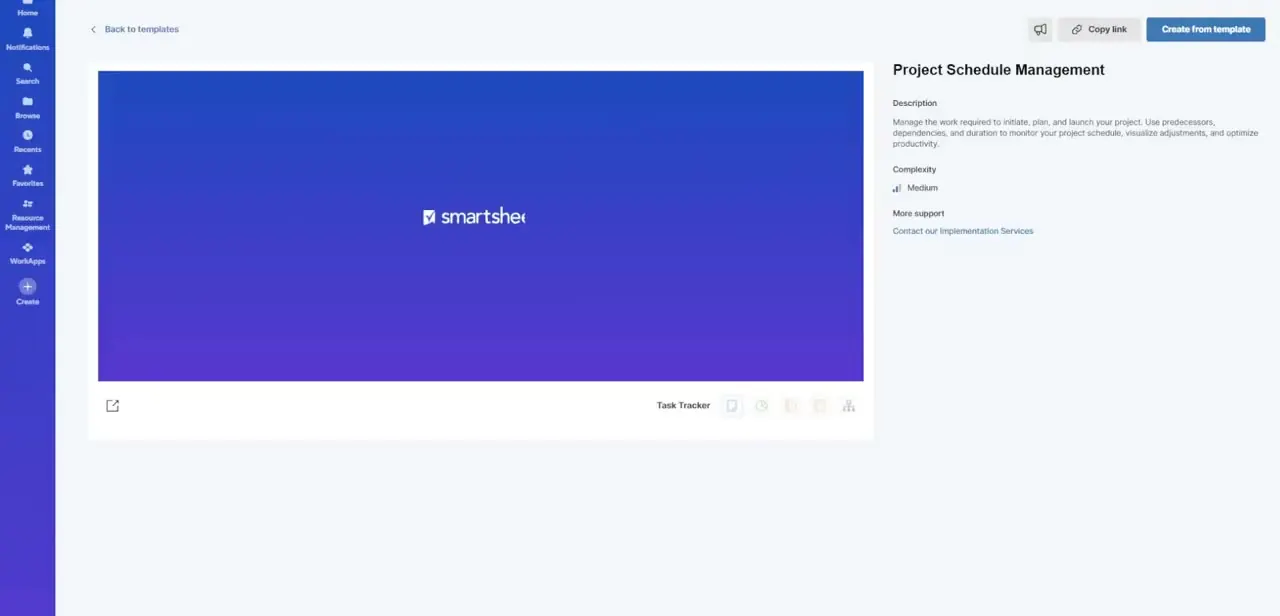
Rather than building tracking columns by hand, look for the Project Schedule Management template in the gallery. Its description spells out exactly what it's built for: managing the work required to initiate, plan, and launch a project using predecessors, dependencies, and duration to monitor your schedule and visualize adjustments.
It's marked Medium complexity, which is a fair warning that it comes with more moving parts than a blank sheet, but those parts are exactly what a real schedule needs. Click Create from template to generate your own copy.
04Build your task hierarchy
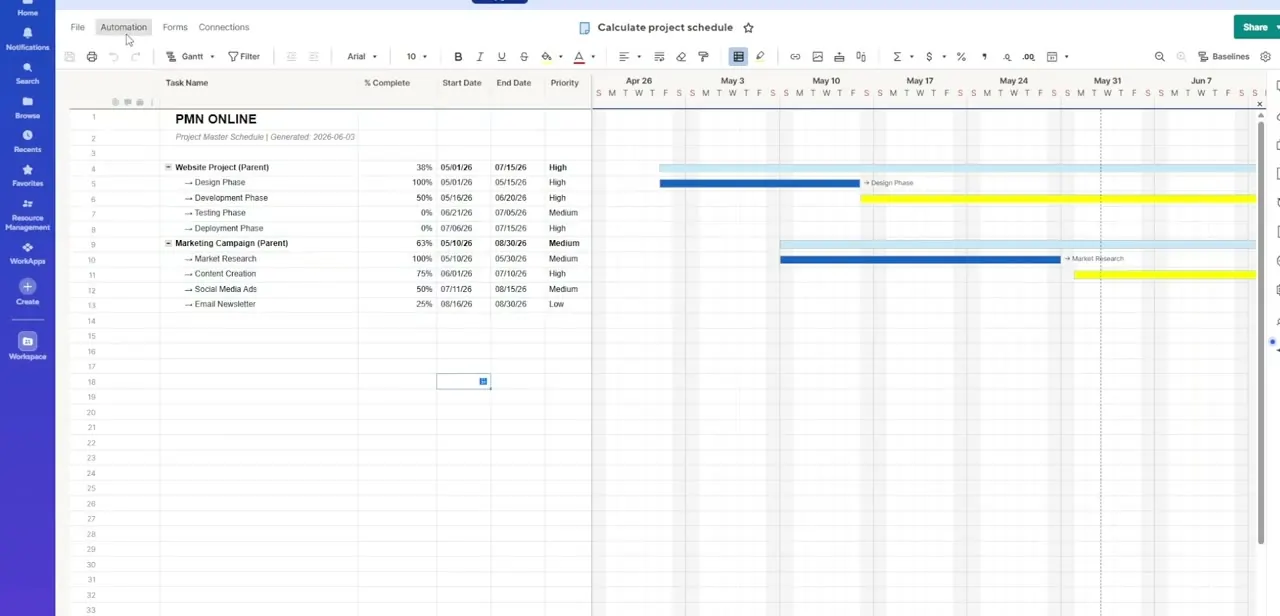
Once your sheet is created, list out your tasks in rows and use the indent and outdent controls in the toolbar to nest subtasks underneath their parent phase. A clean parent-child structure, like a Design Phase row with Wireframes and Mockups indented beneath it, is what lets Smartsheet later roll up progress and dates from individual tasks up to the phase and project level.
05Turn on the Dependencies Engine
In your sheet's project settings, enable dependencies so that task timelines can shift automatically instead of requiring you to manually update every date when something slips. Once it's on, Smartsheet starts calculating the critical path, the chain of tasks that directly determines your project's overall finish date.
06Link tasks with the Predecessors column
Enter predecessor row numbers in the Predecessors column to connect tasks that depend on one another, such as a Testing Phase that can't start until Development finishes. With dependencies enabled, moving the end date on Development automatically pushes Testing's start date to match, keeping downstream milestones honest without manual rework.
07Configure the Gantt Chart view
Switch to Gantt Chart view to see your whole schedule laid out visually, with bars representing task durations and their dependency lines connecting related work. Add RYG (red, yellow, green) status balls to a column so overdue or at-risk tasks are visible at a glance, which is what turns this from a planning tool into something you can actually run status meetings off of.
Frequently asked questions
Does Smartsheet automatically shift dates when a task is delayed?
Yes, once the Dependencies Engine is enabled and tasks are linked through the Predecessors column, downstream dates adjust automatically.
Do I have to build my schedule columns from scratch?
No, the Project Schedule Management template comes pre-built with predecessor, dependency, and duration tracking, so you can start from that instead of a blank sheet.
How do I organize tasks into project phases?
Use the indent and outdent controls in the toolbar to build a parent-child hierarchy representing each phase and its subtasks.
What are RYG status indicators?
They're red, yellow, green balls used as a visual status column to help you spot overdue or at-risk milestones at a glance in the Gantt view.
Can I see my schedule as a Gantt chart?
Yes, the Gantt Chart view can be activated directly from your sheet to visualize the full timeline and its dependency lines.
Watch the full walkthrough
The same steps, demonstrated on screen from start to finish.