Easy Tech Tuts
How to Use Freshdesk Ticketing
By Impran M N
Freshdesk's ticketing system is the core of how support teams manage customer requests. This guide covers the basic workflow from ticket creation to resolution.
01Understand where tickets come from
Tickets can arrive via email, the customer portal, chat, or other connected channels, and all land in a central queue.
02Triage incoming tickets
Review new tickets, set priorities, and assign them to the right agent or group.
03Work the ticket
Reply to the customer, add internal notes for teammates, and update the status as progress is made.
04Resolve and close
Mark the ticket resolved once the issue is fixed, and it will close automatically or after customer confirmation depending on your settings.
Frequently asked questions
What's the difference between resolved and closed?
Resolved typically means the fix is in place, while closed means the ticket is fully finished and no further action is expected.
Can I reopen a closed ticket?
Yes, closed tickets can usually be reopened if the customer responds again about the same issue.
How do I prioritize tickets?
Freshdesk lets you set priority levels manually or through automation rules based on criteria you define.
Can multiple agents work on the same ticket?
While a ticket is typically assigned to one agent, others can add internal notes or be looped in for visibility.
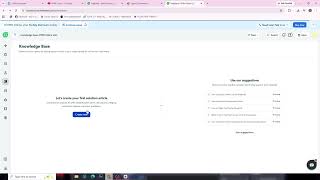
Watch the full walkthrough
The same steps, demonstrated on screen from start to finish.