Easy Tech Tuts
How to Change Your Freshdesk Email
By Impran M N
Whether you're updating your personal login email or changing the support address customers write to, Freshdesk lets you make that change from the settings area. This guide covers the process.
01Decide which email you're changing
Determine whether you're updating your personal agent login email or the shared support email address.
02Open the relevant settings
Go to your profile settings for a personal email change, or the email settings in admin for a support address change.
03Enter the new email address
Type in the new email and follow any verification steps required to confirm it.
04Save and verify
Save the change and complete any confirmation email sent to verify the new address is active.
Frequently asked questions
Do I need to verify a new email address?
Yes, Freshdesk typically sends a verification email to confirm ownership of the new address before the change takes effect.
Will changing my email affect my login?
Yes, if you change your personal login email, you'll need to use the new address to sign in going forward.
Can I change the support email customers write to?
Yes, admins can update the support email address used to receive and send tickets.
Will old emails sent to the previous address still work?
Once you switch your support email, older addresses may stop being monitored, so plan the transition carefully.
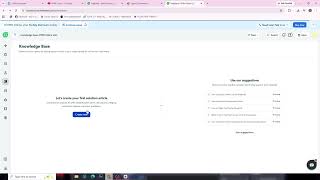
Watch the full walkthrough
The same steps, demonstrated on screen from start to finish.