Easy Tech Tuts
How to Buy a Udemy Course | Beginner Checkout Guide | Easily 2026
By Impran M N
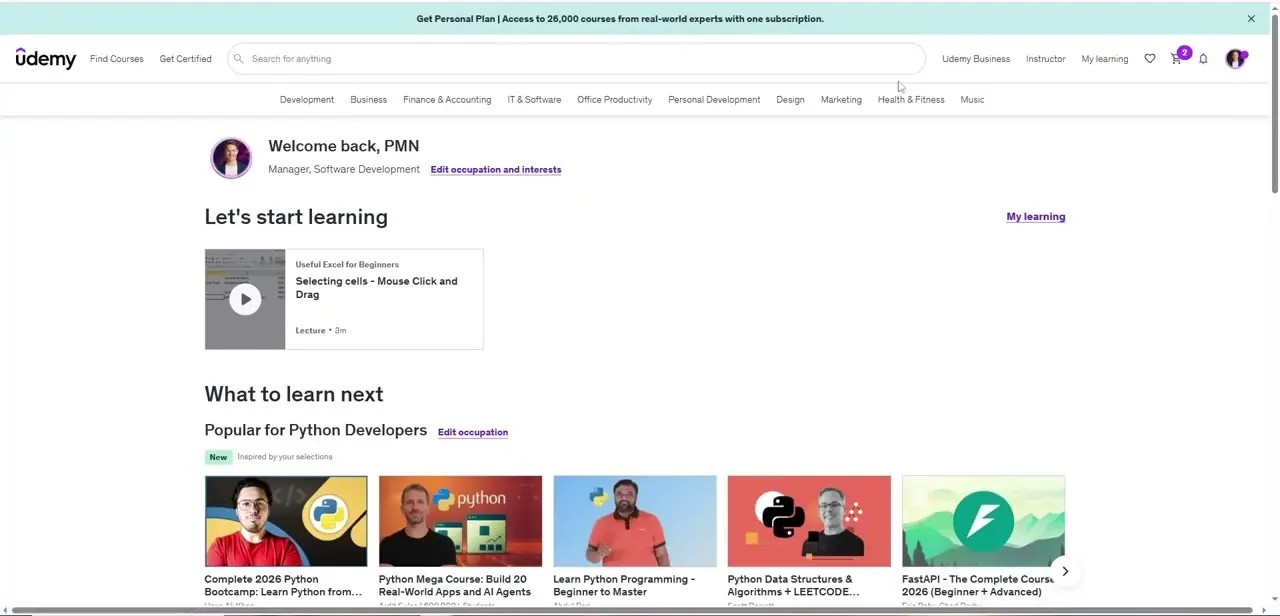
Buying your first Udemy course involves a few more steps than just clicking a buy button, especially if you haven't set up an account yet. This walks through creating an account, finding the right course, and completing checkout securely.
01Create a Udemy account
If you don't already have one, sign up for a Udemy account before you can complete a purchase.
02Browse and select a course
Search for a course that matches what you want to learn and open its course page.
03Complete the checkout process
Add the course to your cart, enter your payment details, and finish the purchase.
04Troubleshoot common checkout issues
If something goes wrong during payment, double-check your details or try an alternate payment method to resolve it.
Frequently asked questions
Do I need an account before buying a course on Udemy?
Yes, you need to create or sign in to a Udemy account before you can complete a course purchase.
Is it safe to enter payment details on Udemy?
Udemy's checkout is designed for secure online transactions, though you should always follow standard practices like using trusted payment methods.
What should I do if my payment fails at checkout?
Double-check your card or payment details for errors, and try again or use an alternate payment method if the issue persists.
Can I buy a course as a gift for someone else?
This guide covers the standard checkout process for your own account; gifting options, if available, would be a separate flow within Udemy.
Watch the full walkthrough
The same steps, demonstrated on screen from start to finish.