Easy Tech Tuts
Trello Tutorial for Beginners 2026, Learn How to Use Trello to Get Your Life Better Easily
By Impran M N
Trello uses a simple visual Kanban system to help you organize everything from personal goals to full business projects. This beginner tutorial covers setting up your first board, building out lists and cards, and adding the details that keep your workflow on track.
01Create your first board
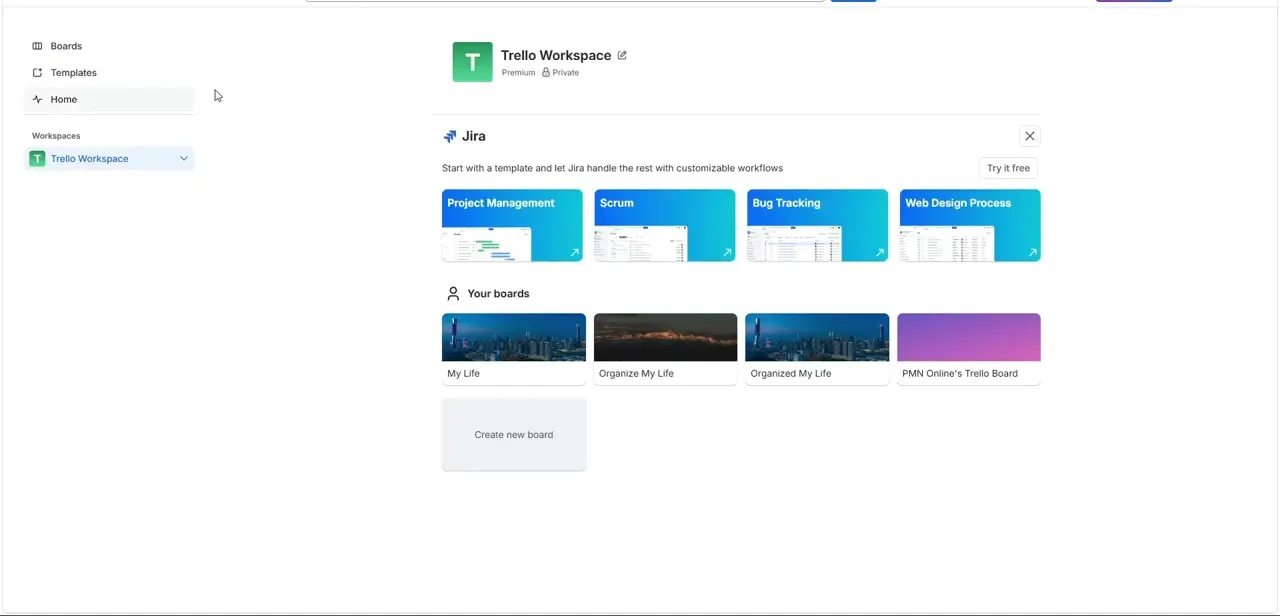
From your Workspace dashboard, click Create New Board, then give it a descriptive title and choose a background and visibility setting.
02Build your Kanban structure
Add separate lists for stages like 'To Do', 'In Progress', and 'Completed' to establish your workflow.
03Add cards to your lists
Create your first project cards and give each one a clear, actionable title.
04Add details to a card
Click a card to expand its back panel, then add a description and build out a checklist of subtasks.
05Use labels and due dates
Apply color-coded labels to organize cards by priority or category, and set due dates to track deadlines.
06Assign members and explore automation
Add team collaborators through the Members sidebar, and check out the Butler automation icon for basic one-click task rules.
Frequently asked questions
Is Trello free to use?
Yes, Trello offers a free tier that covers the core features shown in this tutorial, including boards, lists, cards, and checklists.
What is the Kanban system Trello is based on?
Kanban is a visual workflow method that organizes tasks into columns representing different stages, like To Do, Doing, and Done.
Can I use Trello just for personal tasks?
Yes, many people use Trello boards to track personal goals and daily routines, not just team projects.
How do I move a card between stages?
Simply drag and drop the card from one list to another to update its status.
Watch the full walkthrough
The same steps, demonstrated on screen from start to finish.