Easy Tech Tuts
How to Create a Trello Account, Free Trello Signup Easily 2026
By Impran M N
Getting started with Trello only takes a few minutes, and the free tier doesn't require any payment information. This guide walks through registering, verifying your account, and setting up your first workspace.
01Go to the sign-up page
Visit the Trello homepage and click 'Sign Up - It's Free'.
02Choose your sign-up method
Enter your professional email address or select 'Continue with Google' for a faster single sign-on option.
03Set up your Atlassian identity
Enter your full name and a secure password on the unified Atlassian identity screen.
04Verify your email
Check your inbox for the Atlassian verification email and click the security link to confirm your account.
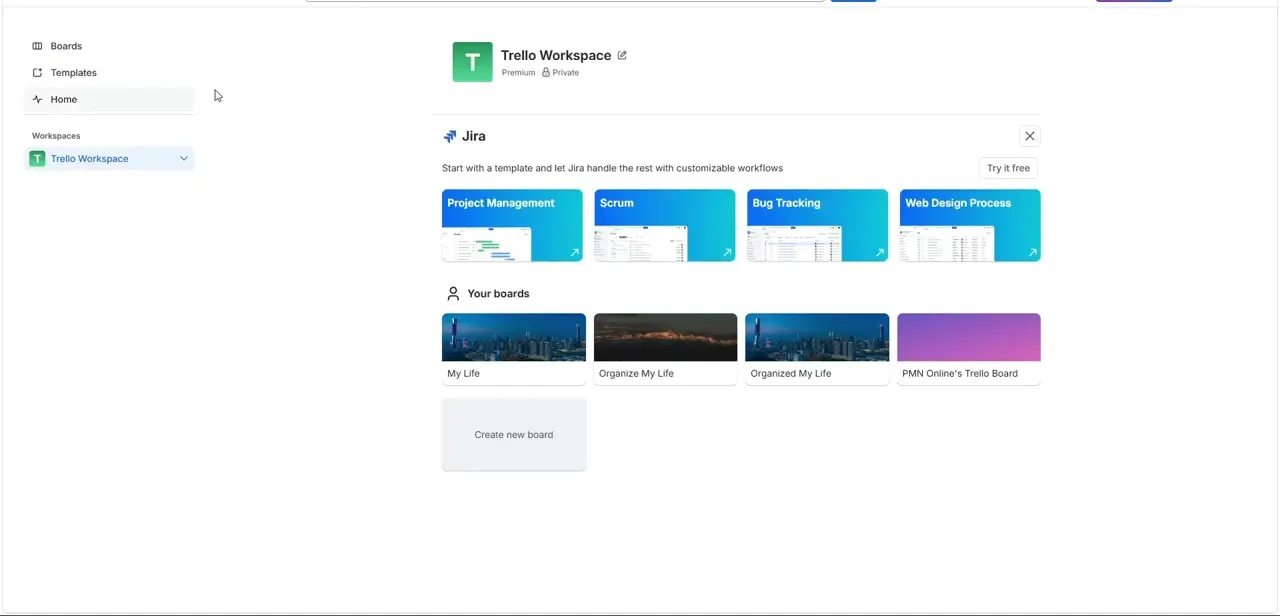
05Name your first workspace
Return to Trello and name your operational team container, then select a category like Small Business or Engineering.
06Skip optional steps if needed
You can add colleague emails now or click 'Do this later', and bypass any premium trial promotions to stay on the free tier.
Frequently asked questions
Do I need a credit card to sign up for Trello?
No, the free tier registration doesn't require any payment information.
Can I sign up with Google instead of an email and password?
Yes, selecting 'Continue with Google' lets you use single sign-on instead of creating a separate password.
What happens after I verify my email?
You'll return to Trello to name your first workspace and select a category that fits your use case.
Can I invite team members later instead of during sign-up?
Yes, you can click 'Do this later' during onboarding and invite collaborators whenever you're ready.
Watch the full walkthrough
The same steps, demonstrated on screen from start to finish.