Easy Tech Tuts
How To Add & Edit Header In Elementor for Free, Add Header & Footer Easily 2026
By Impran M N
A common misconception among WordPress beginners is that editing a header requires Elementor Pro, but a free plugin combined with the right theme builder setup can get you there. This guide covers customizing menus, logos, icons, and a sticky header, plus building a matching footer, all without a paid upgrade. It works across popular themes like Astra, GeneratePress, OceanWP, and Hello Theme.
01Understand how header editing works in Elementor
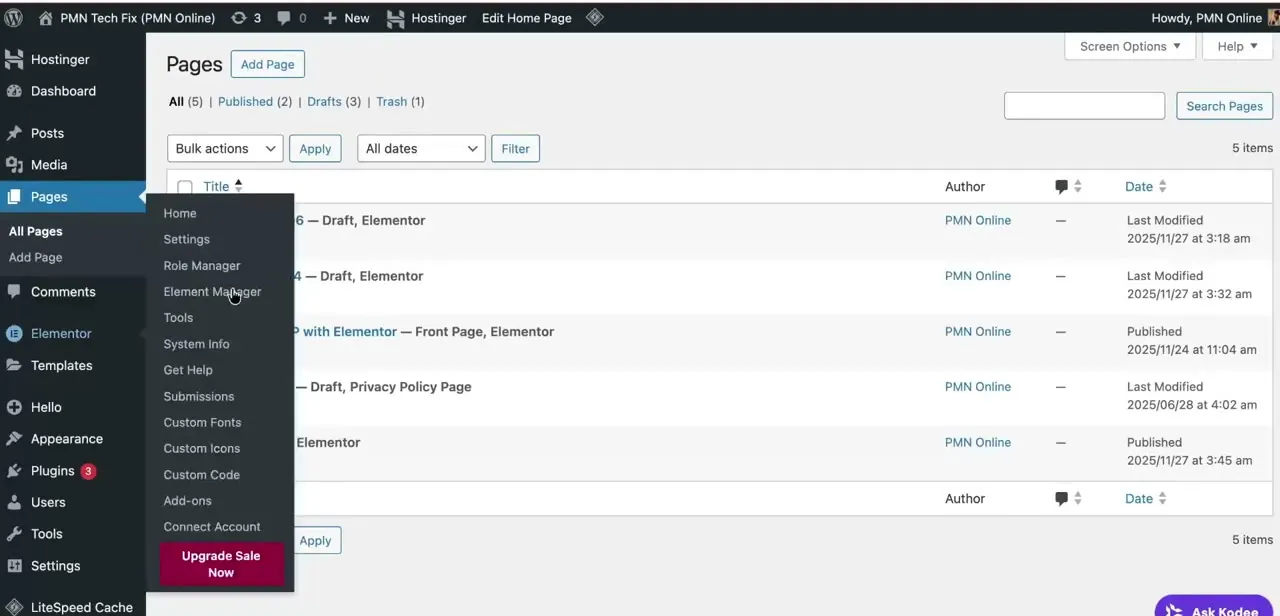
Elementor's free version doesn't include a built-in theme builder, which is why a separate free plugin is needed to unlock header and footer editing.
02Install a free plugin for header and footer editing
Add a free theme-builder-style plugin that integrates with Elementor so you can design custom headers and footers without upgrading to Pro.
03Create your custom header
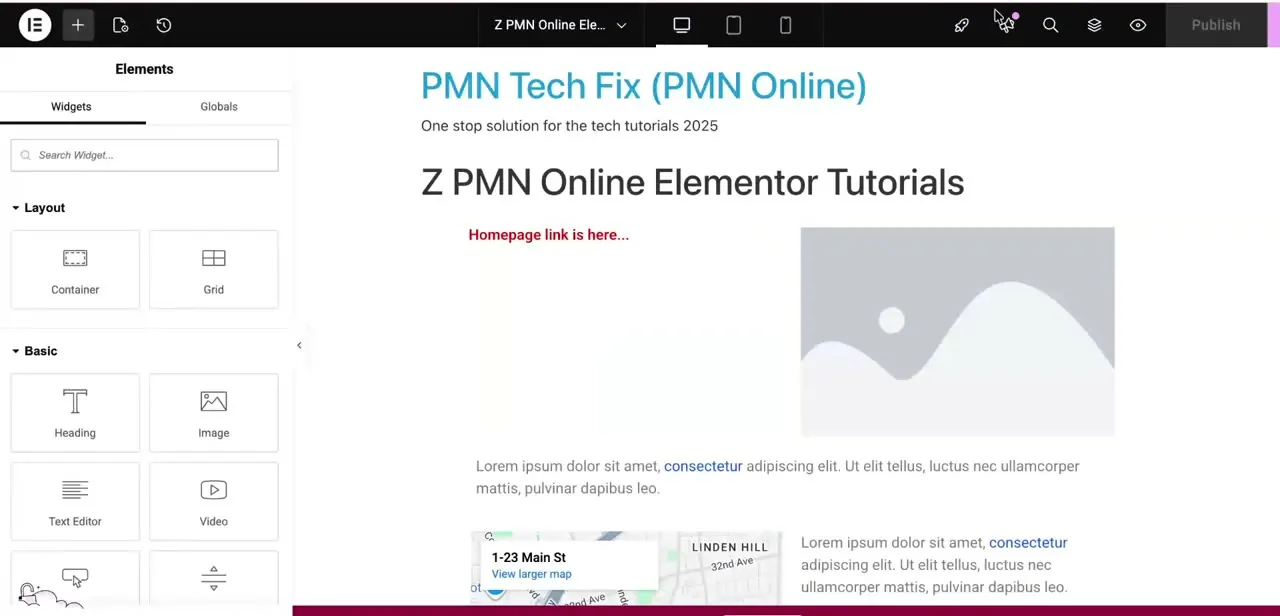
Use the plugin's header template area to build your header layout inside the familiar Elementor drag-and-drop editor.
04Add your navigation menu, logo, and buttons
Fill in your header with a navigation menu, logo, and any call-to-action buttons, adjusting styling to fit your site's theme.
05Build and publish your footer
Repeat a similar process for the footer, using the free plugin's footer template area, then publish both so they appear across your site.
Frequently asked questions
Do I really need Elementor Pro to edit my header?
No — a free plugin that adds theme-builder functionality lets you fully customize and edit your header without upgrading to Elementor Pro.
Does this method work with any WordPress theme?
It's compatible with popular themes including Astra, GeneratePress, OceanWP, and Hello Theme, which covers most common Elementor setups.
Why isn't my header showing or updating after I edit it?
This is a known issue that can happen with header editing in Elementor, and it's typically resolved by checking the template's display conditions and clearing cache.
Can I add a sticky header using the free method?
Yes, sticky header setup is covered as part of customizing your header once you have the free theme-builder plugin installed.
Watch the full walkthrough
The same steps, demonstrated on screen from start to finish.