Easy Tech Tuts
Webflow vs Elementor Wordpress Comparisons 2026, Which is better?
By Impran M N
Choosing between Webflow's managed cloud platform and Elementor Pro's open-source flexibility on WordPress affects everything from hosting stability to long-term maintenance. This comparison breaks down code quality, dynamic content handling, page speed, and total cost of ownership between the two. It's for agency owners and designers deciding which ecosystem fits their next project.
01Code quality and markup
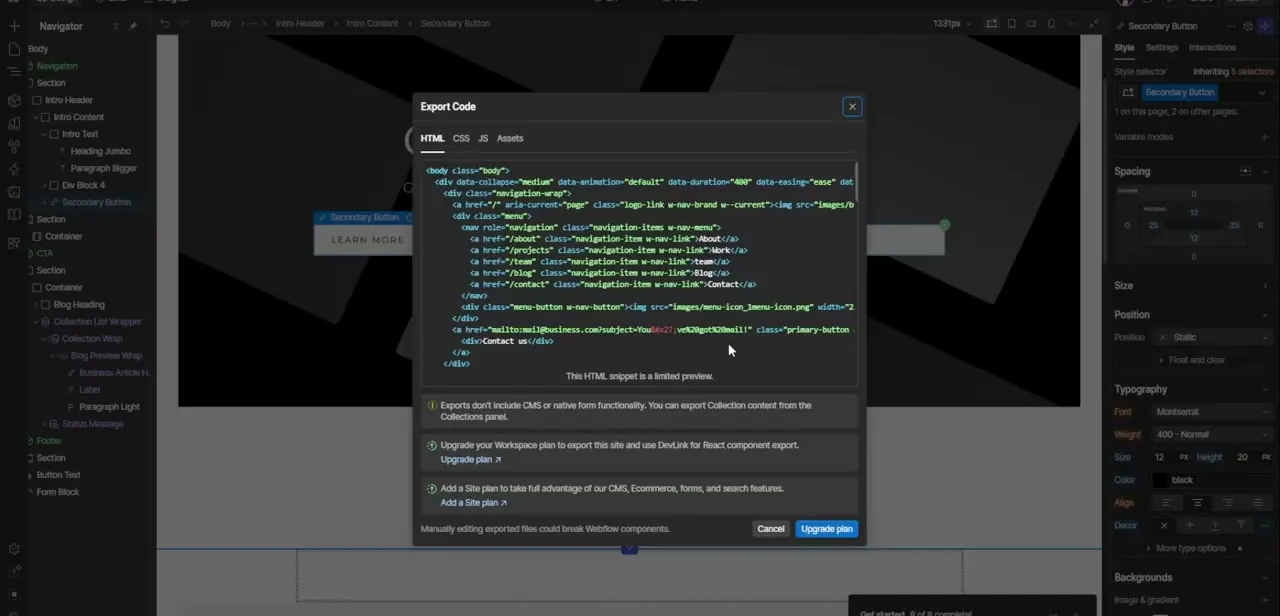
Webflow generates clean semantic HTML and CSS natively, while Elementor builds pages through a modular plugin-based DOM structure that can add extra markup.
02Hosting and infrastructure
Webflow includes secure, maintenance-free global CDN hosting, whereas WordPress with Elementor requires you to manage your own server environment and updates.
03Dynamic content management
Webflow's visual CMS collections offer a no-code way to manage dynamic content, compared to WordPress custom post types configured through Elementor Pro.
04Performance and SEO
Both platforms support strong on-page SEO controls, but Webflow's lighter script footprint often gives it an edge on core web vitals out of the box.
05Total cost of ownership
Weigh Webflow's site plans and workspace seats against WordPress's hosting fees, premium plugin licenses, and ongoing maintenance time before deciding.
Frequently asked questions
Which platform is better for a total beginner?
Webflow's guided visual designer tends to have a gentler learning curve since there's no plugin management or server maintenance involved.
Is WordPress with Elementor cheaper overall?
It can be cheaper upfront, but ongoing hosting, plugin licenses, and maintenance time often add up over the long run.
Which platform is faster out of the box?
Webflow generally performs better by default due to cleaner code and managed hosting, though a well-optimized WordPress site can close the gap.
Can I migrate a site from WordPress to Webflow later?
Yes, but migrating dynamic content and custom functionality typically requires manual rebuilding rather than a direct import.
Watch the full walkthrough
The same steps, demonstrated on screen from start to finish.