 Easy Tech Tuts
How to Fix PayPal Money Pending Easily 2026
By Impran M N
A "Pending" tag on money you're owed is unsettling, but PayPal's own help documentation is more specific about what it means than the label alone suggests — an order is an agreement between buyer and seller, and Pending just means the seller hasn't collected the payment yet, not that anything has gone wrong. This guide walks through PayPal's official explanation of order statuses, what triggers each one, the 30-day window they run on, and where to go if a pending payment needs a nudge.
01What "Pending" actually means
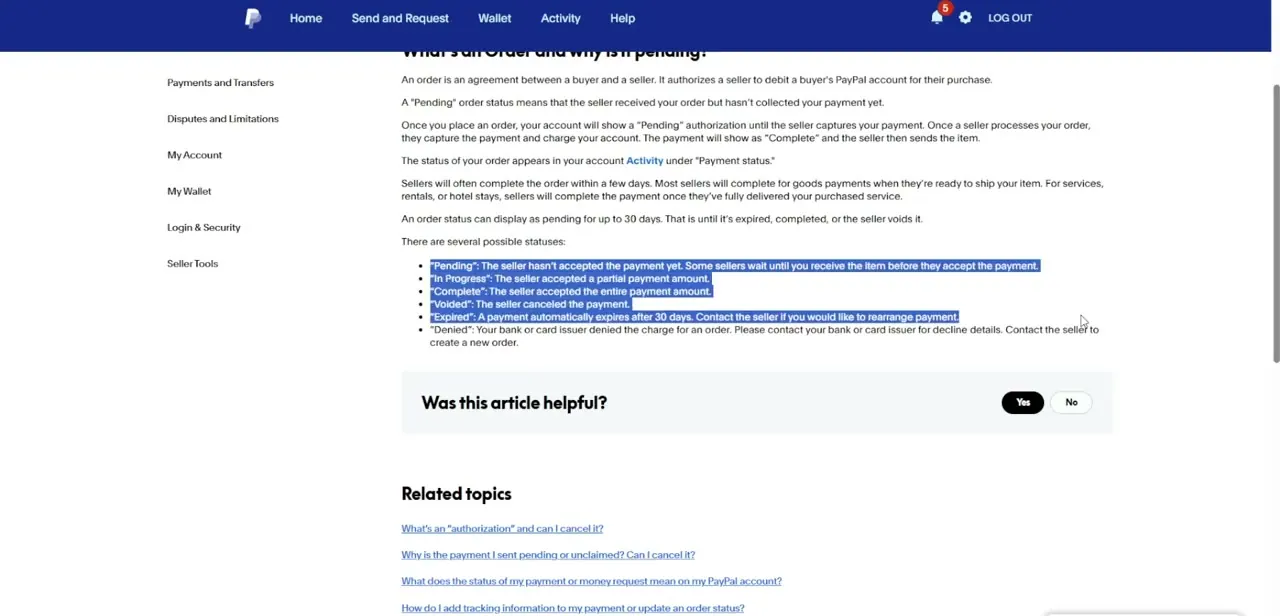
PayPal's help article on the subject is direct about this: an order authorizes a seller to eventually charge the buyer's account for a purchase, and a Pending status simply means the seller received the order but hasn't captured the payment yet. Nothing is broken at this stage — the money is reserved, not charged, until the seller acts.
02Check the status in your Activity feed
The current status of any order appears in your account's Activity section, under "Payment status." This is the first place to check before assuming anything is wrong — the label there will tell you exactly which of PayPal's defined states the order is currently in.
03Know the difference between the statuses
PayPal defines six possible order statuses: Pending means the seller hasn't accepted payment yet, sometimes deliberately waiting until the buyer receives the item. In Progress means the seller accepted only part of the amount.
Complete means the full amount was accepted. Voided means the seller cancelled the payment.
Expired means the 30-day window ran out with no action. Denied means the buyer's bank or card issuer rejected the charge outright, which needs to be resolved with that bank rather than PayPal.
04Understand why sellers wait before completing an order
Most sellers complete an order within a few days as a matter of course — for physical goods, typically once they're ready to ship; for services, rentals, or stays, once the purchase has actually been delivered. That delay is normal and built into how orders work, not a sign that a seller is sitting on your payment without reason.
05Remember the 30-day expiration
An order can only show as pending for up to 30 days. After that, it either completes, gets voided, or automatically expires. If a payment you're waiting on is approaching that window, it's worth reaching out before it lapses rather than after, since an expired order generally needs to be rearranged from scratch.
06Contact the seller if it's stuck
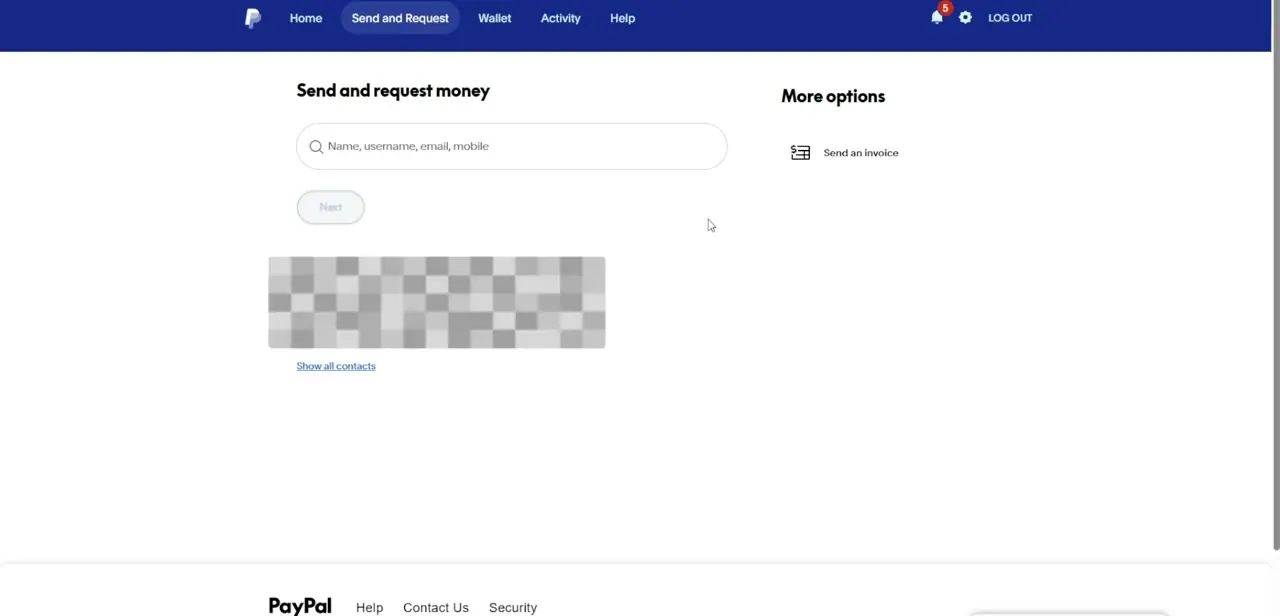
If an order looks stalled or you want to sort out payment details directly, PayPal's Send and Request money page is where you'd search for that person by name, username, email, or mobile number to reach them or review the transaction. For an expired payment specifically, PayPal's own guidance is to contact the seller directly if you'd like to rearrange it, since PayPal itself won't reinstate an expired order automatically.
07If the status says Denied instead of Pending
A Denied status is a different problem from a Pending one — it means the buyer's bank or card issuer refused the charge, and PayPal's documentation is clear that this needs to be resolved with that bank or card issuer directly rather than through PayPal support. The seller will typically need to create a new order once the underlying payment issue is fixed.
Frequently asked questions
What does a "Pending" order status actually mean?
It means the seller received the order but hasn't captured the payment yet. The money is reserved on the buyer's account but not charged until the seller completes it.
How long can an order stay pending?
Up to 30 days. After that it either completes, gets voided by the seller, or automatically expires.
What's the difference between Voided and Expired?
Voided means the seller actively cancelled the payment. Expired means the 30-day window ran out with no action from anyone.
What should I do if my order shows as Denied?
Contact your bank or card issuer directly for the decline details — PayPal's documentation states this status means the charge was refused at the bank level, not something PayPal can resolve on its own.
Can I get an expired order reinstated?
Not automatically. PayPal's guidance is to contact the seller directly if you want to rearrange payment after an order has expired.
Watch the full walkthrough
The same steps, demonstrated on screen from start to finish.


