Easy Tech Tuts
How to Switch Models in Claude AI | Pick the Right One for the Job | Easily 2026
By Impran M N
Claude AI gives you a choice of models, and picking the right one changes how fast and how deep your answers are. This walkthrough covers how to switch models inside Claude AI and how to think about which model fits a given task. By the end, you'll be able to move between models confidently instead of sticking with whatever loaded by default.
01Find the model selector
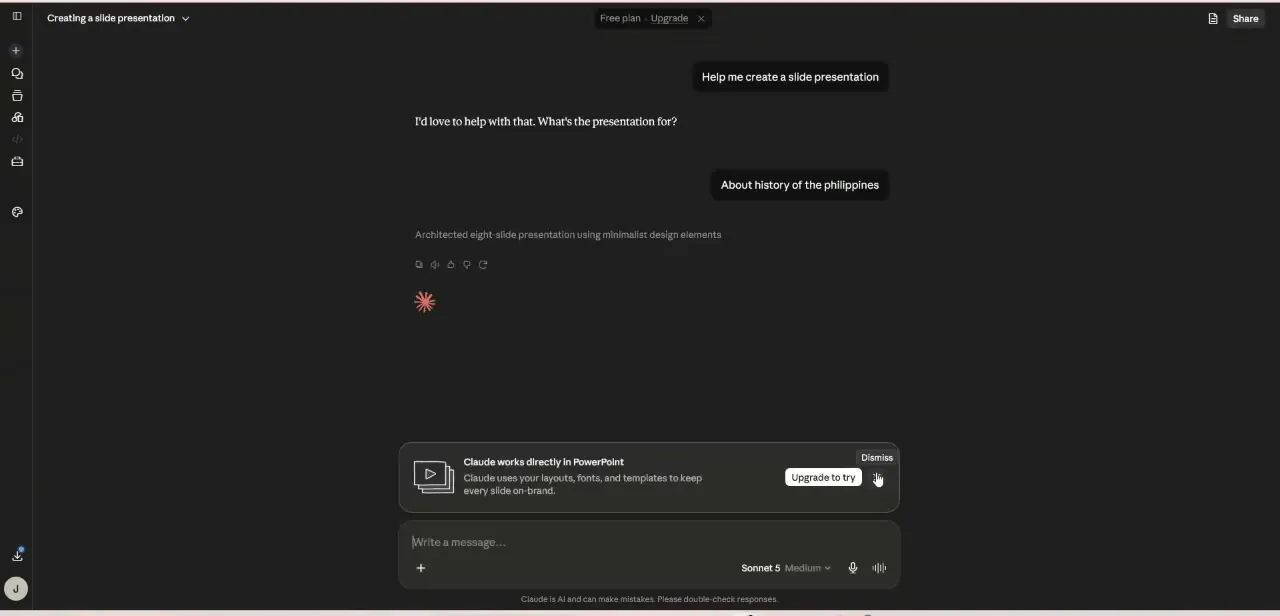
Open a chat in Claude AI and locate the model picker near the message composer. This is where you choose which model handles your conversation.
02Compare what each model offers
Claude's models trade off speed against depth of reasoning. Faster models are suited to quick, everyday questions, while more capable models handle complex, multi-step work better.
03Switch mid-task if needed
You don't have to commit to one model for an entire conversation. Switch when a task gets more demanding, or drop to a faster model once you just need quick follow-ups.
04Match the model to the job
For business use, think about the task first: drafting a quick reply versus building out a marketing plan call for different levels of model capability.
Frequently asked questions
Does switching models lose my chat history?
No, switching models within the same conversation keeps your prior messages intact — only the model answering your next message changes.
Which Claude model should beginners start with?
Start with whatever model loads by default and only switch once you notice a task needs more depth or speed than it's giving you.
Does the model I pick affect my usage limits?
More capable models can use up your message allowance faster than lighter ones, so it's worth switching down for simple tasks if you're watching your limits.
Can I set a default model for new chats?
Claude AI lets you choose a model when starting a new conversation, so you can pick your preferred default each time you begin.
Watch the full walkthrough
The same steps, demonstrated on screen from start to finish.